Interfaces and Input/Output Circuits
Los controladores y las interfaces permiten el intercambio de información entre la CPU y los dispositivos periféricos.
All these activities are carried out through circuits commonly called input/output ports.
Each of these ports is controlled by a special circuit called a controller.
Input/output ports are used for communication between the central processing unit (CPU) and the outside world. A computer therefore has a controller for each device external to the CPU. The information passing through these input/output ports is also controlled and structured by the controller so that it can be delivered to the CPU or external unit in the appropriate form.
An interface is a device through which communication takes place between the CPU and an external unit, such as a display. There is currently a tendency to standardize the different interfaces or input/output ports of a computer.
Regardless of their complexity, interfaces can be divided into two main groups:
- Parallel interfaces.
- Serial interfaces.
The distinction between serial and parallel refers to the connection between the input/output port and the peripheral. The connection between the port and the CPU is made through the data bus.
Serial Interface
This means that the bits of information—the elementary units 0 or 1—travel one after another along the same connecting wire. Bits travel in groups called words or bytes. Word 1 is sent first, followed by word 2 and then word 3. This type of interface is less expensive than a parallel interface but is slower. However, devices located far apart can be connected using modems. In a serial interface, the data the CPU wants to send reaches the controller in parallel through the data bus. The controller stores it and then transmits the bits one after another with each clock pulse. The information travels along a single wire. Similarly, when the controller receives information from an external peripheral, that data arrives serially. Once the word or byte is complete, the controller sends it to the CPU in parallel through the data bus.
Parallel Interface
This means that all the bits of information travel simultaneously toward the peripheral. In this interface, one byte is sent to the peripheral with each clock pulse. Similarly, the parallel interface controller receives data in parallel from the unit connected to it.
Motherboard and Expansion Slots (ISA, EISA and MCA)
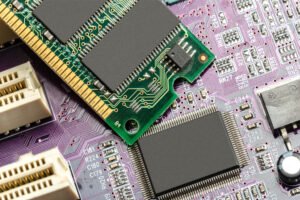
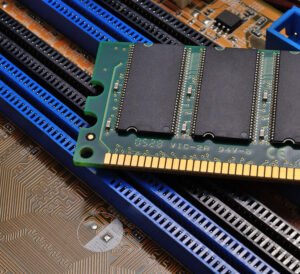
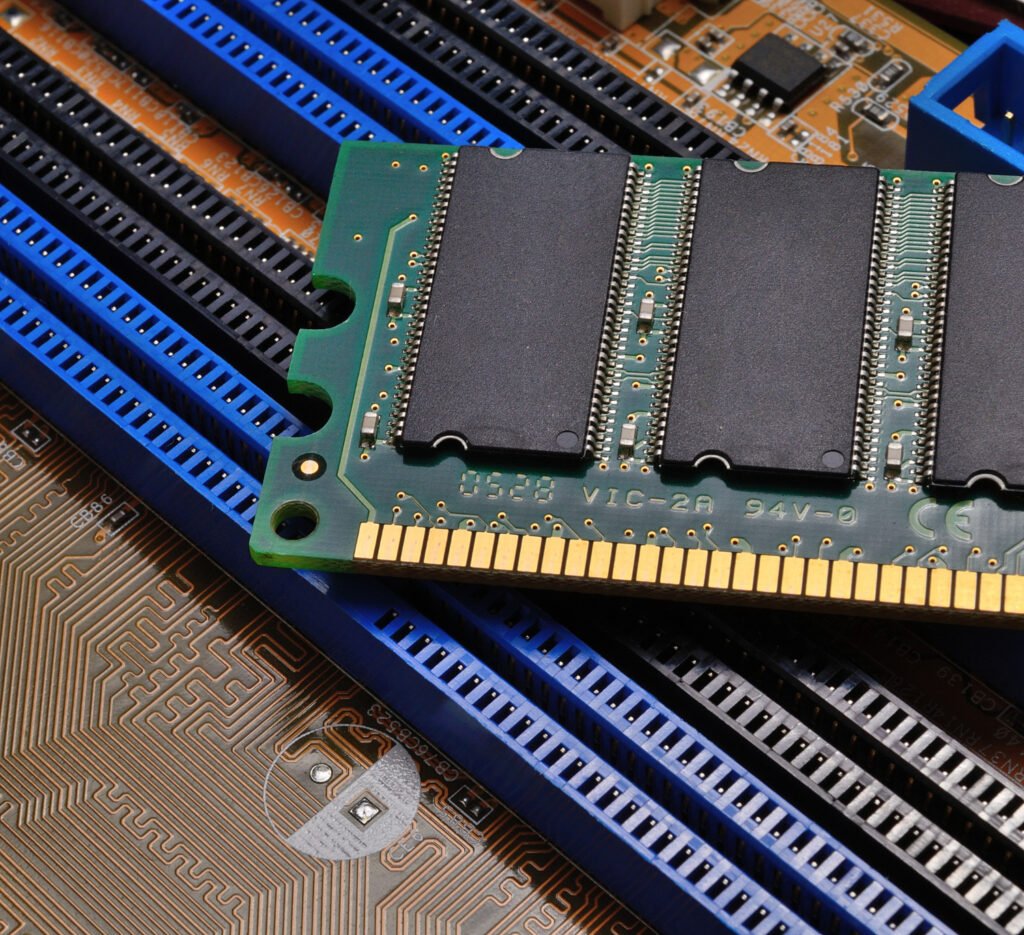
Most of the circuitry that makes up a computer is concentrated on the motherboard, a board of integrated circuits on which the electronic components constituting the computer are assembled. The three fundamental components of a motherboard are the microprocessor, memory and expansion slots. The microprocessor directs all the operations taking place in the computer and acts as the machine’s brain. Memory is where the information received by the microprocessor, and the information it produces from it, is temporarily stored. Finally, expansion slots are elongated sockets specially designed for users to insert a variety of cards that increase their computer’s capabilities, such as sound cards, video cards and so on. Expansion slots, whose number varies from one motherboard to another, are by no means all alike. Neither are the expansion cards that can be connected to those sockets.
Cards can be 8-, 16- or 32-bit. This is important because an 8-bit card can be connected to a 32-bit expansion slot, but the reverse is not possible. The classification of expansion slots and cards must also match, since they may be either PC XT (8-bit) or PC AT (16-bit). The architecture based on 8- and 16-bit cards, covering both PC XT and PC AT, forms the group known as ISA architecture, short for Industry Standard Architecture.
However, we have already mentioned the existence of 32-bit cards, which appeared toward the end of the 1980s and generally correspond to architectures specific to individual manufacturers. For example, in 1987 IBM launched its PS/2 range, equipped with cards using its own standard, MCA (Micro Channel Architecture). This architecture breaks with the principle of compatibility between computer devices, since it accepts only MCA cards.
Thus, users today may have a motherboard equipped with ISA, EISA or MCA architecture. As already noted, a computer with MCA architecture accepts only MCA expansion cards. A computer equipped with ISA slots can accept both 8- and 16-bit expansion cards. Finally, if the motherboard uses EISA architecture, its capabilities can be expanded by inserting either 8- or 16-bit ISA cards or 32-bit EISA cards. A technology known as the local bus is becoming increasingly widespread. It is based on a direct connection between the microprocessor, which acts as the computer’s brain, and its connected peripheral devices through special expansion slots also located on the motherboard. This technique considerably increases the overall performance of peripherals.