Technological Memory Capacity
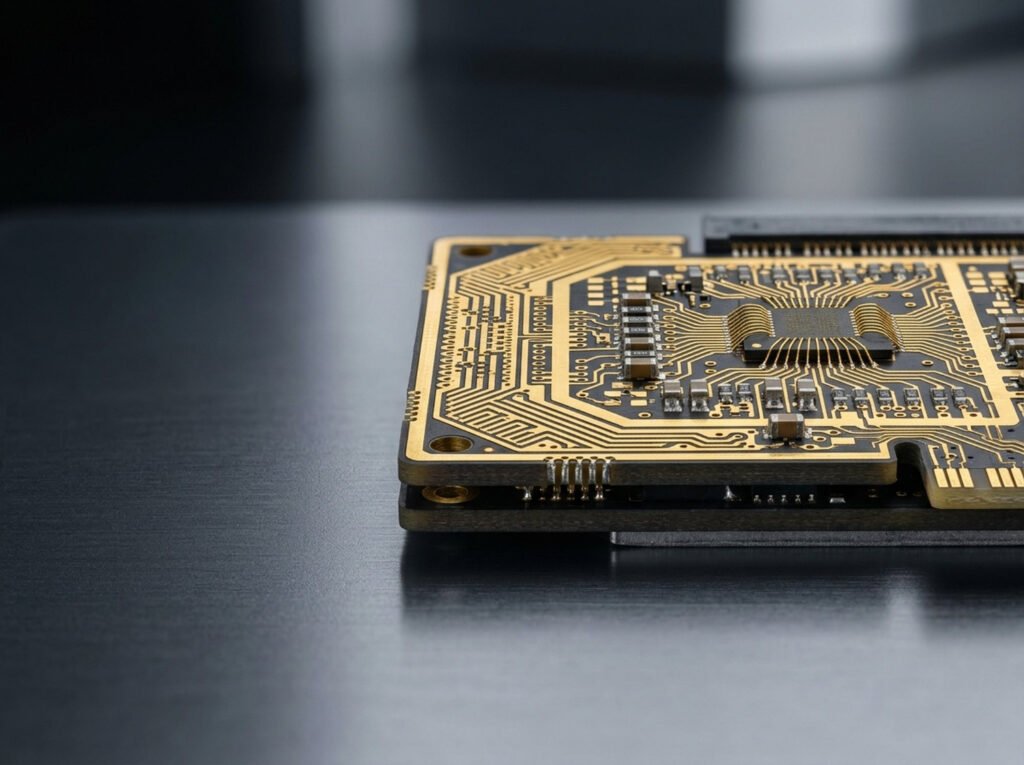
Las memorias informáticas almacenan información en bits y bytes y utilizan direcciones para localizar los datos.
The capacity of a memory is defined as the maximum number of bytes that we can save or store in it. It depends directly on the number of cells and the number of bits in each cell. If we have a memory with 8 columns and 4 rows, we will have 32 cells. If we assume that each cell can store 8 bits, the total capacity will be 32 × 8 = 256 bits. Memory capacity is commonly expressed in bytes. In this example, the capacity will be 256 ÷ 8 = 32 bytes. This is a very small capacity, used here only as an example. Today, we find personal computers with memory capacities ranging from tens of kilobytes to several megabytes. Memory manufacturing technology advances continuously. As a result, the capacity per integrated circuit (IC) increases day by day. ICs with capacities of several megabytes are now common in all computers.
Addressing
When the CPU wants to access memory to store information or read its contents, it must first specify the address of the cell where it wants to perform the operation, whether reading or writing. This method of selecting a cell is called addressing. Let us consider a theoretical example of memory addressing. Suppose we have a memory with 128 cells, arranged in a matrix of 16 rows and 8 columns. If the control unit or CPU wants to access any of these cells, it must place the row and column values on the address bus. The CPU would need 4 lines to address the 16 rows and 3 to address the 8 columns. For row B (hexadecimal) and column 5 (hexadecimal), the CPU will place the following value on its address bus:
[The corresponding value or illustration is missing from the supplied text.]
Once this value has been decoded, the cell at the intersection of row B = 11 and column 5 is selected. A read or write operation will then be performed on this cell. A 64 Kibit memory chip is organized as a matrix of 256 rows × 256 columns:
256 rows × 256 columns = 65,536 bits = 64 Kibit.
Each point or cell in this matrix represents 1 bit. Consequently, each cell can contain only a 1 or a 0. To obtain 1 word at each location—in this example, 1 byte (8 bits)—we need 8 chips of 64 Kibit each (8 matrices of 256 × 256 points), connected in parallel. The capacity of this memory is now 64 KiB = 65,536 bytes (1 KiB = 1,024 bytes). With this arrangement, a word is distributed across 8 chips: chip 1 contains all the least significant bits, and chip 8 contains all the most significant bits. However, each of the 8 bits forming a word occupies the same address in its respective chip, so this single address allows the complete word or byte to be selected.
As we know, addressing each of the 256 columns requires 8 bits, and selecting each of the 256 rows requires another 8. To address a memory location, 8 bits must be placed on the address bus to address the row (A0–A7), and 8 bits to address the column (A8–A15).
Writing/Reading
Once a memory location has been addressed, the CPU can read or write data.
The CPU decides which type of operation to perform on the memory. It controls this through a signal on the control bus, generally called write/read; the signal determines which operation is performed. Once a location has been addressed for a read operation, the memory takes the contents of the addressed cell and places them on its output, which is connected to the data bus. For a write operation, the data to be written must be available on the data bus at the memory input, from which the memory takes it and stores it in the addressed cell.
Classification of Memories
Memories can be classified according to various criteria. One of the most important is their function within the computer. According to this criterion, a distinction is made between:
- Scratchpad or buffer memories. These are very fast memories with very limited capacity, intended to store essential data at each stage of processing—for example, the first operand of an operation in progress—because processors almost never take data directly from main memory. They are also known as registers or scratchpad memory.
- Main memories. These devices store the programs to be executed, as well as data, intermediate calculations and results, all of which are accessible to the control unit and the arithmetic logic unit. Main memory is also called working or internal memory. For a long time, it was built using ferrite cores, but these were later replaced by integrated-circuit memories.
- Mass-storage memories. These store data that programs cannot access immediately. Before access is possible, the desired information must be read and placed in the computer’s main memory. Mass-storage memory is also called secondary or external memory. Its access speed is much lower than that of integrated circuits, but its lower cost makes large storage capacities available at reasonable prices.
According to their mode of operation, memories can be classified as:
- Direct-access memories. Stored data is available in any order. Direct-access memory can be compared to a book. In a book, the information of interest can be located in the index. The reader can then open the book at the page indicated by the index without having to leaf through the entire book.
- Sequential-access memories. Data must be read in the same order in which it was stored. Sequential-access memory can be compared to ancient papyrus scrolls, which required readers to unroll them until they reached the desired text.